Start a project
EN LV
+371 6392 7391

Mon–Fri 8:00–18:00, Sat 9:00–16:00 (Riga time)

Know what you are building before anyone writes code.

Flows before pixels. We map how people move through your product, then turn it into a clickable Figma prototype you can test, demo and hand to developers.

from €1,600, excl. VAT

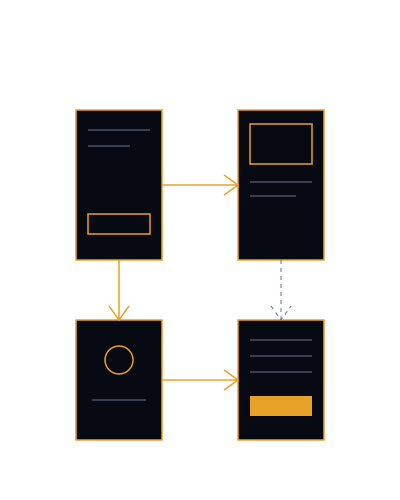
A flow map of screens connected by arrows
Timeline
2 weeks to 5–6 weeks
Revision rounds
2 to 3
Billing
One-off, 50% deposit

Who it is for

What it fixes

  • Who it is forA founder with an app idea and nothing to show an investor.

    What it fixesA clickable prototype in two weeks that makes the idea concrete.

  • Who it is forA product team where developers guess at screens.

    What it fixesA screen list and flows everyone has agreed on.

  • Who it is forA tool that grew screen by screen and now looks inconsistent.

    What it fixesA Figma component library, so a button is built once.

  • Who it is forA build budget that you do not want to spend on the wrong thing.

    What it fixesA way to test the flow with real people before you build.

What is included

Prototype Sprint gives you up to 8 screens, mapped flows and a clickable prototype in 2 weeks. Product UI covers up to 25 screens, a component library and developer handoff.

Prototype Sprint

  • User flow mapping
  • Clickable Figma prototype
  • 2 revision rounds

Product UI

  • Everything in Prototype Sprint
  • Figma component library
  • Developer handoff
  • 3 revision rounds

Packages

Start with the sprint if the idea is still forming. Choose Product UI if developers are waiting.

PACKAGE · ONE-OFF

Prototype Sprint

€1,600

excl. VAT

Up to 8 screens

Prototype Sprint is for a founder or small team who needs something to test, demo or show before paying for development. We map the user flows, design up to 8 screens and link them into a clickable Figma prototype. 2 revision rounds. Two weeks.

  • User flow mapping
  • Clickable Figma prototype
  • 2 revision rounds
Timeline
2 weeks
Revision rounds
2
Billing
One-off, 50% deposit
PACKAGE · ONE-OFF

Product UI

€3,800

excl. VAT

Up to 25 screens + component library

Product UI is for a product that is ready to be built. It covers everything in Prototype Sprint across up to 25 screens, plus a Figma component library and handoff to your developers. 3 revision rounds. Delivered in 5 to 6 weeks.

  • Everything in Prototype Sprint
  • Figma component library
  • Developer handoff
  • 3 revision rounds
Timeline
5–6 weeks
Revision rounds
3
Billing
One-off, 50% deposit
Delivery
Delivered remotely, by email and video call.
Payment
50% deposit now, 50% when you approve the launch.
Cancellation
Cancel before kick-off for a full refund. See Refund & Cancellation. Refund & Cancellation

From flow to component.

  1. Flow map

    who does what, in what order.

  2. Wireframes

    what each screen must hold.

  3. Prototype

    the flow you can click.

  4. Component library

    the parts developers build from.

The first three stages are in Prototype Sprint. The library and handoff are in Product UI.

How it works

  1. Frame the problem

    Who uses it, what they need to get done, what success looks like.

  2. Map the flows and list the screens

    The screen list we agree here is the scope.

  3. Design and prototype

    Screens designed in Figma and linked into a clickable prototype.

  4. Review and hand off

    Feedback rounds, then for Product UI the component library and handoff notes.

See it in practice

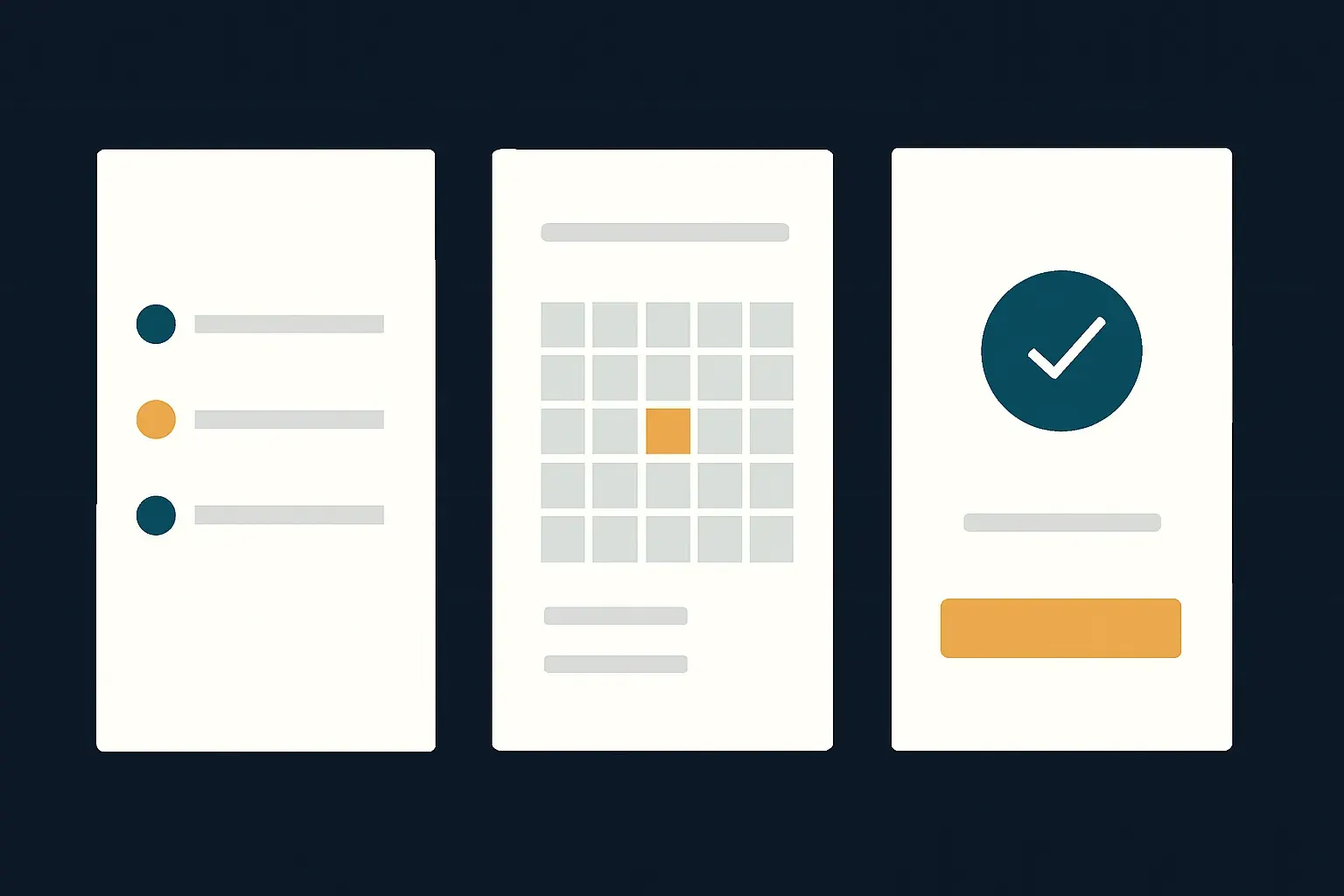
Rinda is an imagined booking app for solo service providers. We show the flow map and the component sheet. Concept project, not client work.

Three flat app screens arranged on a grid, without device frames

SPECIMEN · CONCEPT · 2026 · UX/UI DESIGN

Rinda: appointment booking app

A booking app for solo providers who juggle messages and paper diaries.

UX/UI design

Concept project, not client work.

Questions people ask

Do you build the app?

No. We design it and prepare it for developers. Product UI includes handoff so your team or another studio can build from it.

How are screens counted?

We agree the screen list at the start of the project. That list is the scope.

Do I need a Figma account?

A free account is enough to view and comment on the files and the prototype.

Can you run user tests?

The prototype is built so you can put it in front of users. Running the tests is outside the packages. Mention it in the brief if you want help.

What if I only have a rough idea?

Start with Prototype Sprint. The first step is framing the problem, which is where rough ideas get sharper.

Click through it before you build it.

A two-week sprint, a fixed price, a prototype you can show.

+371 6392 7391

Call Start a project Pricing

Your cart